

Last Updated on December 3, 2025 by Johann Holsinger
Want to get to know more about your soundbar?
Nobody knows the real magic of soundbars until you dive deeper into its enclosure.
Yes. Your TVs crappy sound improved, and you can hear the voices louder with your new speaker bar.
But there’s more to plugging in a soundbar and cranking up the volume within this unassuming frame.
We all expect it to be compact, and while this bar may look like a simple audio box, there are lots of technologies integrating behind the scenes.
If you haven’t started exploring soundbar features, let’s check them out.

Getting the right vibe
Listeners do not always have the same taste for sound. Rooms have different shapes. And a lot of factors affect the sounds generated by a soundbar.
Aside from the configuration, our environment plays a vital role in the sound notes being produced.
Good thing! There are some features we can control to optimize a soundbar to our preferred sound.

How do the EQ settings work?
Do you remember those knobs and sliders from old players? You use those knobs to adjust the frequencies so we can get the perfect sound from our equipment.
Well, soundbars have adjustments, too. We call it the control equalizers, and we use them to balance the sounds we hear. Set points are measured as digital sound frequencies.
Frequencies can be labeled to all the types of sounds we hear. And in the form of vibrations, sound waves move up and down. We measure these sound movements by how many times they do it at various speeds and frequencies.
Most of us are familiar with bass, mid, and treble.
The lowest range is bass. You often hear these sounds so deep, like the banging of a door from the other room. The highest range is treble, and these sounds come in high pitch like cymbals.

Now, we have different wall surfaces, room sizes, and shapes, which highly affect the sound produced by a speaker bar before it reaches our ears.
What we do is use the equalizer to balance the sounds according to our preference.
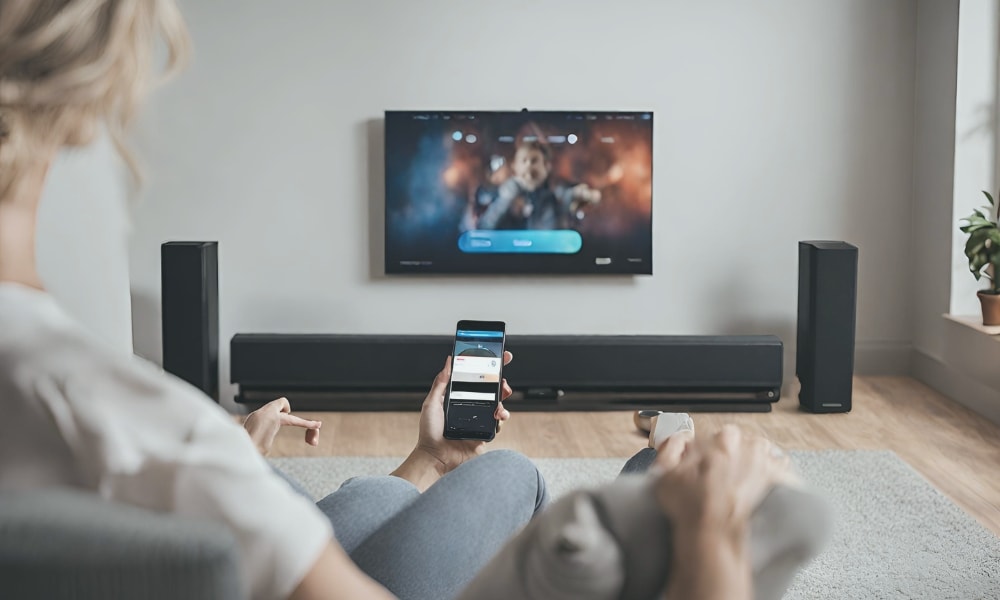
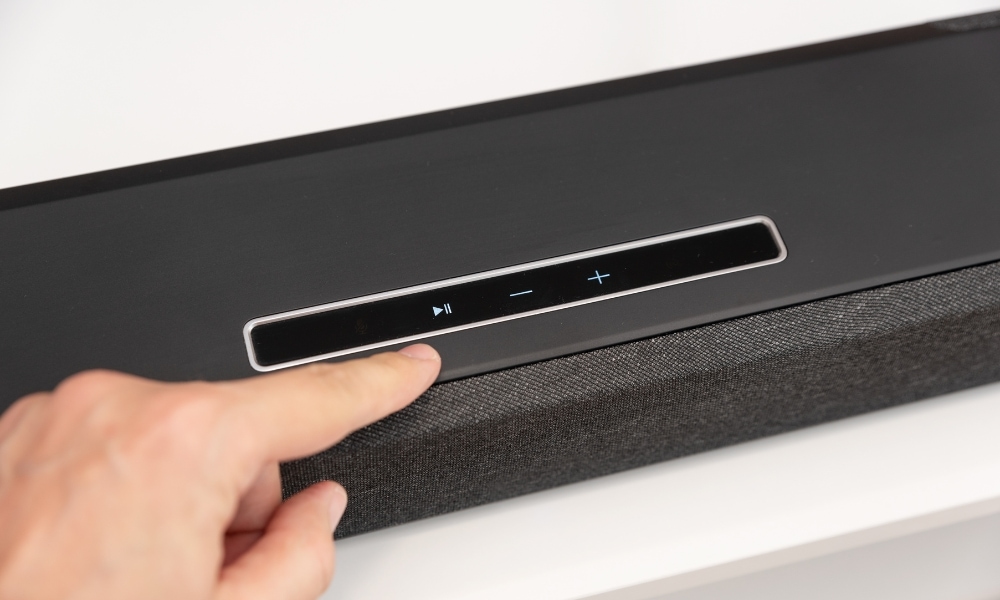
Soundbars do not have their knobs right out like old players. But you can control its frequencies through the unit control, remote control, voice assistant, or its app.
So, if you want the movies to sound deeper or more boomy, adjust that frequency for bass. If you like to hear sharper sounds, tune up the treble.
How do you customize EQ presets?
Most soundbars today have preset modes. They are optimized for movie, games, dialogue, or music it uses.
Some modes even enhance other types of entertainment like sports, night, news, or standard modes. But just in case you are not happy with the sound produced, you can always use your remote control or soundbar app to make adjustments.
In my opinion, it’s better not to touch these presets if there is no problem.
If you think some presets need fixing, you may adjust the frequencies just a little bit and keep the overall sound to the same volume.
Adjust it around 2 or 3dB, so you will not have to mess it up.
Also, remember that not all models have the option to customize presets.
Syncing EQ with your home theater
Most modern soundbars offer room calibration features, which analyze the environment and tailor the sounds from the speakers according to your room’s acoustics, shape, and size.
Most audio bars can produce a lot of bass and can overpower the vocals. So try lowering it down and increasing the treble. In most units, you can adjust settings for individual speakers.
Sometimes, you may experience audio or vocal delay where your audio and TV are not syncing.
You can fix this by going to the audio delay or lip sync settings. Or, you can check and ensure that your TV speakers are disabled.
Make sure you have connected your soundbar and TV properly. And don’t forget to ensure your TV and soundbar work in the same format.
The virtual surround sound boost
If there’s any reason we choose a sound bar, it is because we crave that immersive audio experience that a full surround system offers.
However, we do not like the clutter and hassle of setting up full-range speakers.
But do you know how a soundbar does it? How on earth does it sound like a full surround sound system?
The technology behind the 3D audio
Modern speaker bars feature groundbreaking 3D audio that envelops the listener in spatially rich sounds.
Unlike traditional speakers, which are typically placed in different locations around the room to create a 3D sound effect, a soundbar is only in one place, creating multi-dimensional sound effects.

This technology is achieved through different techniques.
- Channel Play. Soundbars use angled drivers to direct sound waves toward different surfaces, such as walls and ceilings.
- Psychoacoustics. The technology utilizes the science of psychoacoustics to create a multi-dimensional audio experience that gives the impression that the sounds are coming from all directions.
- Digital Signal Processing (DSP). DSP is a powerful technology that analyzes incoming audio technology from sources and manipulates them to simulate a virtual surround sound. It uses mathematical algorithms and processes, such as compression, decompression, equalization, or modulation, to produce 3D sound effects without physical speakers in various spots in the room.
By using these technologies, a soundbar can process advanced digital audio formats such as DTS: X and Dolby Atmos.

What makes up the virtual surround sound?
A soundbar employs different channels to utilize different frequencies and transmit balanced audio output.
No two soundbar models are the same so we’ll help you identify the channels you can find on this audio device. These channels make up the virtual spatial audio we experience from these speaker bars.
When purchasing, you’ll often see them expressed in two or three digits separated by a period.
For example, a soundbar with a 2.0 audio system means it has (two speakers) the left and right speakers without a subwoofer.
If it is a 2.1, the L and R speakers will come with one subwoofer. A 5.1 soundbar will have five channels: left, right, center, and two surround speakers with one subwoofer.
The only thing to do is decide how many channels, subwoofers, or drivers you want your audio system to have. The more channels it has, the clearer the sounds become.
Left and right speakers
Having the right and left speakers is a basic audio setup process and transmits stereo audio.
If the source of sound is in a digital audio format, the left and center channels will process and scale it to stereo format.
The left and right speakers deliver sound that appears to come from the said direction.
A left speaker delivers audio from what appears to be coming from the left soundstage of the listener.
A right speaker delivers audio from sounds that come seemingly from the right soundstage of the listener. This phenomenon is especially crucial for balancing and fidelity of the delivered sound.
I don’t think there’s a good reason to turn off or adjust one of them at different levels. However, you can do that on your soundbar when you think something’s off.
The voice speaker
The voice or dialogue sounds pipe through the center speaker. Soundbars with three channels or more have center speakers.
Those budget soundbars with two channels include right and left speakers without a center channel. They produce a “phantom center channel” as a result of the interaction of left and right speakers.
They work by panning the singer’s voice or dialogue to the center of the audio mix, making the listener perceive the sound is coming from the center point.
But with more than two channels, the soundbar can now process and deliver virtual surround sound.
The voice channel is responsible for delivering clear, audible voice or dialogues. So, suit yourself with your remote control and adjust it to your liking.

The role of the subwoofer
Nothing beats having a separate subwoofer from your soundbar. Manufacturers can tuck woofers inside these enclosures as much as they want.
But a separate box is what we truly crave to deliver that low-frequency oomph that gets thunders rumbling in the four corners of your wall.
Good thing!
They mostly come paired initially with your soundbar, and you only have to dedicate a sweet spot for it in your room.
No worries! Low frequencies are omnidirectional, so you can let it sit in any position in your room.
Surround speakers
Surround channels are additional speakers, apart from the left and right speakers, engineered to create a more immersive audio experience. These channels can go inside the speakers or as separate drivers.
The purpose of these added channels is to create multi-dimensional spatial audio to make it seem the sounds are coming from various directions.
With more channels, sounds produced in digital audio can be processed and delivered as high-fidelity sound. Additional surround channels include rear, side, or upward-firing speakers.
Amazingly, some manufacturers stuff them in one unit, and others place them in separate wireless units.
Smarter soundscapes
Your soundbar can do the work for you, literally.
Soundbars cannot go behind smart devices today. This audio device can blend the right tune on its own.
Automatic sound adjustment to your room shape
I mentioned room calibration a while ago, where the soundbar analyzes the room shape, acoustics, and size, processes it, and delivers the suitable audio mix.
What happens when you activate room calibration? It emits a series of loud buzzing, chirping, or beeping.
From there, the system detects how fast the sound travels using a microphone.
This microphone could be inside your speaker bar or your phone’s mic.
The system now processes this information and sets your soundbar equalizer to an audio mixture suited for your room’s shape, acoustics, and size.
Amazing, right?

Control by voice command
So, what about voice assistants? Most devices at home today work with voice assistants like Google Assistant, Siri, and Alexa.
And a soundbar is no exception to that. You can rest hand-free and let your voice assistant mix the audio for you.
Imagine sitting with popcorn or a cup of coffee in hand and telling your digital VA to adjust the volume, turn off the rear speakers, lower the bass, switch to game mode, or play a movie– all without lifting your finger.
And yeah! Your soundbar might be able to turn off your thermostat or play your music to the other rooms. You know it! Smart things!

As it turns out, soundbars have amazing features!
Who would have thought that this elongated bar packs too many features? I used to think that a soundbar was a simple speaker or a part of a component.
This audio device is actually a system of its own. The sleek audio allies mean portals to different aural adventures and experiences.
With a few tweaks, you can dive deeper into the hidden orchestra within its compact frame.
So, if you are ready to upgrade your media room, there’s no way a soundbar could not fit under your TV. All it takes is selecting your ideal modern soundbar or TV carefully and trying a few hacks to get the best out of it.