- Can’t get that right blow from your soundbar?
- 1. Get a soundbar that matches your room size.
- 2. Disable your TV’s built-in speakers.
- 3. Set up high-quality connections.
- 4. Fine-tune your settings.
- 5. Ditch the receiver.
- 6. Proper placement.
- 7. Take advantage of your subwoofers.
- 8. Install flat ceilings.
- 9. Add wireless surround speakers.
- 10. Enable 3D output.
- 11. Take advantage of voice support.
- 12. Maintain and care for your soundbar.
- There is nothing like a perfectly sounding soundbar for your movie haven.
 6 min read for expertise
Last Updated on April 20, 2026 by Johann Holsinger
Can’t get that right blow from your soundbar?
I get it. Not everyone gets it clicking the first time.
Imagine when everyone in the family is looking forward to your new soundtrack hero, but your TV speakers sound more like muffled chipmunks than Marvel fighters.
And you have been eyeing this beautiful soundbar sitting like a delicate queen on your tabletop.
No worries. A soundbar is not just a paperweight! It’s not called a surround audio bar for nothing!
In this article, we’ll bring out that immersive sound supremacy from that podrangle like true a monster bass with a few little hacks. How? Read on.
1. Get a soundbar that matches your room size.
There’s an ongoing myth that you must follow your TV size to get the right soundbar for your TV. To be honest, your television also should match your room’s size.
Likewise, your speaker bar must also match your room size. Some households fail to get the right TV size for their respective rooms, and this simple thing really annoys me.
So, my advice is to reference your soundbar to your room size.
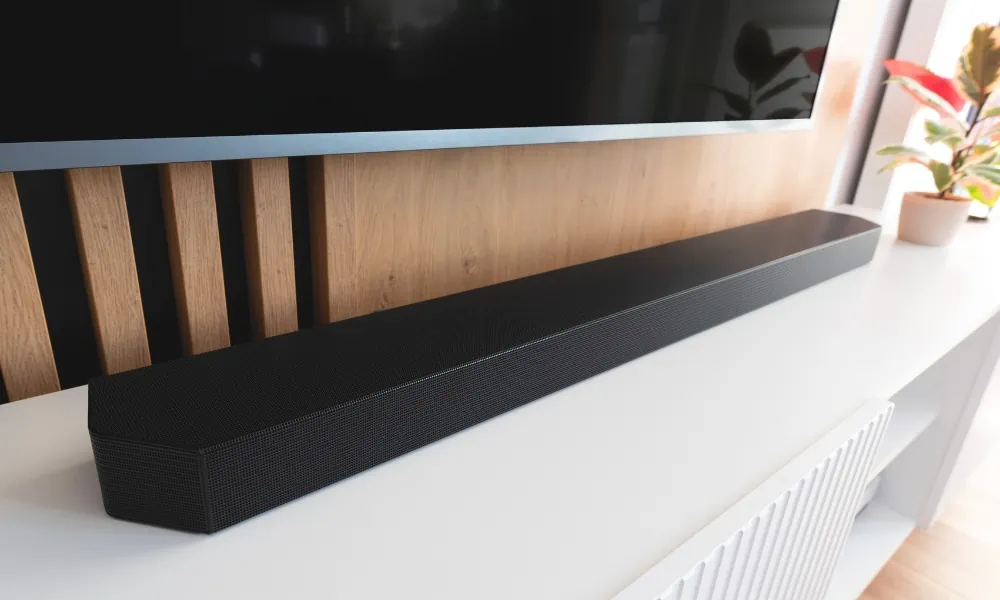
Based on our list, budget soundbars with two channels range from 14 to 38 inches long. While those with three channels and up go from 23 to 52 inches in length. The latter houses more power, making it more suitable for larger rooms.
For personal, dens, home offices, or bedrooms, you may do well with a 30-inch audio bar or less. Your soundbar may overwhelm an undersized room if it can process 3D formats.
For bigger rooms like living rooms, home theaters, and master bedrooms, you can create a home cinema-like setting with a long speaker bar with upper and side-firing speakers.
Think of getting the right-sized speaker for your concert hall.
2. Disable your TV’s built-in speakers.
Nobody likes listening to two people talking at the same time. Imagine two chefs giving the same instruction to their kitchen members.
That’s what happens when enabling your soundbar and TV speakers at the same time.
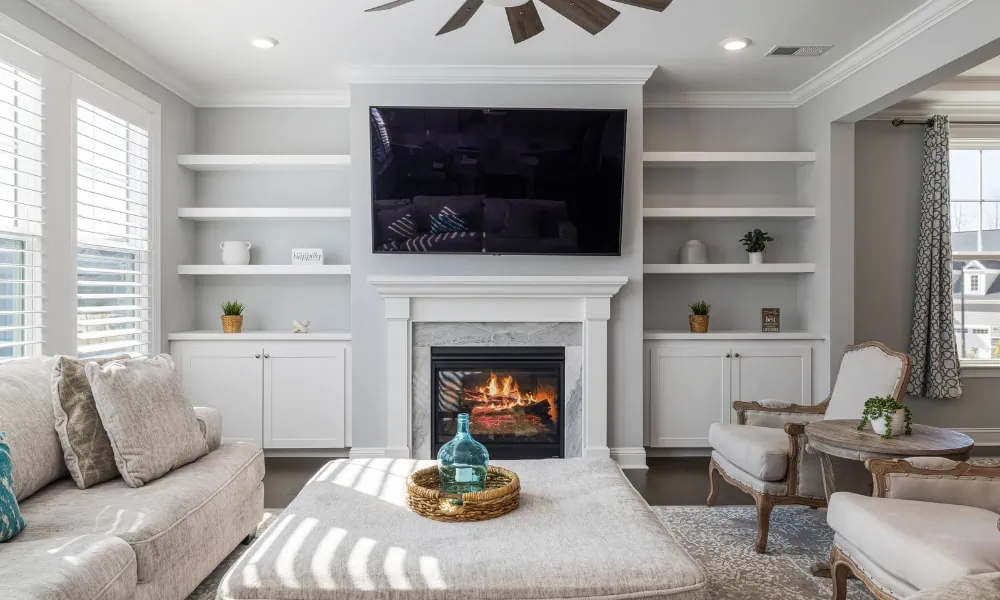
There are different settings for various television units. Go to your TV settings, find your audio settings, and disable your TV inbuilt speakers.
By disabling your built-in monitor speaker, all the audio signals will pass through the rightful channels.
3. Set up high-quality connections.
There are various connection options to your soundbar-to-TV setup.
You want to use the most reliable one that captures and delivers the best audio quality to your soundbar.
First, you can see your TV and soundbar connections at the back. Here’s how we rate connections based on their audio quality.

#1 HDMI eArc
HDMI eARC produces exceptional quality audio built on the capabilities of HDMI ARC but with uncompressed higher bandwidth.
#2 HDMI Arc
HDMI Arc, like eARC, supports more advanced digital audio formats like DTS: X, Dolby Atmos, Dolby TrueHD, and DTS-HD.
This reliable runner-up can transmit compressed 5.1 surround sound and simplify connections by sending audio back from the TV to the soundbar with one cable.
#3 HDMI
HDMI is the standard bearer of digital audio format. I find it impossible to find new soundbars without HDMI.
This connection is a must when connecting a soundbar to a TV.
But if you don’t find one, here’s how you can use your soundbar on a TV without an HDMI.

#4 Wi-Fi/ Bluetooth
This convenient option allows you to watch television without dealing with wire clutter.
Going wireless is a great alternative to HDMI because it helps preserve audio data, unlike wired connections.
#5 Optical cables
This connection is popular for older setups. Optical cables deliver sharp, precise audio both in stereo and compressed 5.1 digital formats.
However, they lack bandwidth for advanced formats like Dolby Atmos.
They produce sharper audio quality than HDMI. However, most TVs do not support optical cables.
#6 Auxiliary cable
I find it impossible not to have the above connections. But if all of them are unable, you can use your aux cables instead.
However, this connection will not process and transmit digital audio but downscale digital formats into stereo format.
4. Fine-tune your settings.
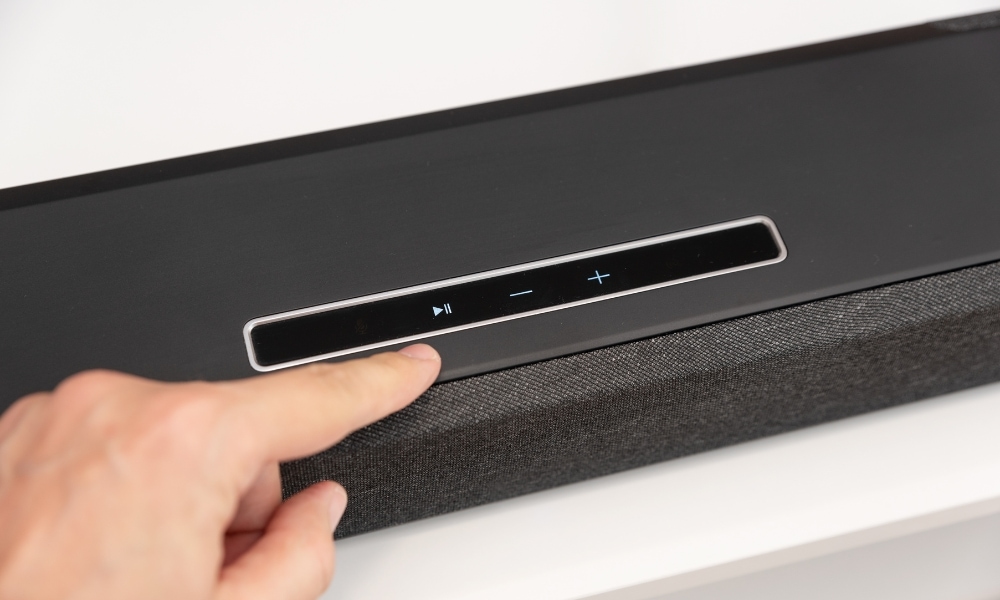
To unlock the true potential of your soundbar, you must learn how to explore its sound settings.
Navigate through its sound modes, calibrate, and find the balance between its bass, treble, and midrange frequencies.
Most soundbars come with an app to help you adjust the sound settings to your liking.
For a movie night, choose the movie mode, which enhances dialogue and delivers immersive, clear, crisp sound effects.
If you’re a music aficionado, explore modes that accentuate every note. Remember, your audio bar is versatile. Set it to adapt to your audio desires.
5. Ditch the receiver.
Unless you are building a full home theater, you need a receiver. Your soundbar can handle every audio data the TV throws at it.
Most soundbars today already come with a receiver. It’s a perfect time to ditch that bulk in your console table.
Using two receivers may confuse your system and overwhelm it.
So, if you want to make the most of your soundbar, although it is an uncommon practice, do not connect it to a receiver.
6. Proper placement.
Proper placement is like gearing up your soundbar for the show to show off its true capability. It’s like finding its sweet spot where it can boast its spatial prowess.
Avoid obstruction. You want the sound waves to flow consistently.
If you don’t know how to mount your soundbar to the TV, think about where the soundwaves will go. Do not place it behind the TV because it will block the sound.
Also, consider the sound waves from the side and upward-firing speakers. You want them bouncing to the listener’s ear level.
Also, avoid placing other objects on the side if you will mount the bar on the tabletop.
Do not place it on cupboards, cabinets, or shelves as much as possible.
Find a central position to enforce balanced and uniform sound distribution.
Although you can mount the speaker bar above the TV, placing it under the TV will direct the sounds to the listener.
You want to achieve sound symmetry so the audio quality for the entire room as equal as possible.

7. Take advantage of your subwoofers.
Most soundbars come with a subwoofer, that boxy speaker intended to generate bass or low-frequency sounds that will vibrate your entire body.
When the sound balances with a soundbar, it can extend your audio system’s frequency range.
Moreover, it brings low-frequency effects more power and precision.
Sound effects like thunders, explosions, or crashes become more life-like when you find that sweet spot for the subwoofer.
It creates a more room-filling sound as if you are inside the theater.
Usually, subwoofers are placed next to the TV and soundbar.
When you find its sweet spot, adjust the volume levels of the speaker bar and subwoofer.
They usually have separate controls. So take advantage of them and ensure the subwoofer doesn’t overpower the soundbar.
8. Install flat ceilings.
If your soundbar supports Dolby Atmos, you want those upward-firing speakers to land on a flat ceiling.
Those sloping ceilings will not utilize the best sounds from the upward-firing speakers because they reflect sounds at unique extreme angles than ordinary bar speakers.
You need the sound from those speakers to bounce on flat ceilings of about three to four meters high.

9. Add wireless surround speakers.
Some soundbars are upgradeable.
If they are, you can add more surround speakers to take advantage of the digital audio they produce. This upgrade goes on for 3-channeled soundbars.
Those added surround speakers elevate movie experiences to theater-like experiences.
These surround speakers are usually placed behind listeners to generate a more spatial sound.
10. Enable 3D output.
Enable 3D audio output in your content sources like Blu-ray, TV, gaming console, or 3D device.
This feature enables a more outstanding audio performance from your soundbar compared to the standard stereo or surround sound format.
If you’re a fan of Netflix and Disney movies and shows, you’ll find more content already in Dolby Atmos or DTS: X.

11. Take advantage of voice support.
Voice support makes control and sound adjustments more handy. You can use them to adjust your volume and EQ settings or play or pause music hands-free.
12. Maintain and care for your soundbar.
Treat your audio bar like your delicate queen on her throne.
Update your bar with the latest firmware to get the newest features, bug fixes, and audio improvements.
Also, keep it free of dust and dirt that may build up. Don’t crank the volume to the loudest all of the time!
Enjoy the rumbing but let it breathe. Lastly, you can resolve technical problems with your bar with a timely factory reset.

There is nothing like a perfectly sounding soundbar for your movie haven.
With a few tweaks, you can unleash that potential from your audio sidekick!
From matching your room size to exploring sound mode, we’ve dived into the elements that make up an exceptional audio experience from a reliable premium soundbar.
Imagine when you can immerse yourself in every scene like you are watching from the cinema.
Who would have thought this sleek rectangular audio equipment could pack incredible power and audio prowess?
You do not only need to find the perfect tune but get to know your soundbar better.