 7 min read for expertise
Last Updated on April 19, 2026 by Johann Holsinger
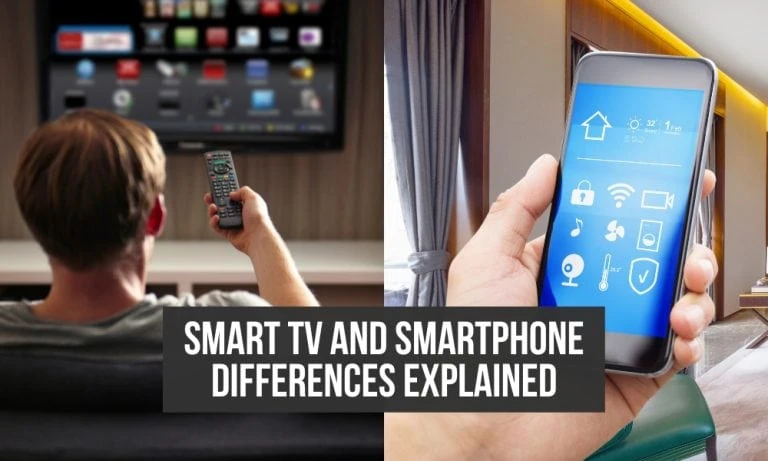
Smart TV or Smartphone? Which one do you need?
If we are to compare the devices of smartphones and Smart TVs, I feel like it’s unfair.
In my preference, these two devices play important roles in our lives. I love to place my phone in my pocket and bring it wherever I go – to attend to the things that matter.
But our smart TV always has a special spot on my “Me time.” It starts serving me and my partner when we sit on the couch after a rough day. I will turn my television on and simply disconnect and forget I have a social life.
But this article does not intend to show how the two devices make my life easier.
We will dig deeper and compare them from feature-to-feature to data consumption to all the options each device offers.
While they seem to have interchangeable features, the real battle lies in the user preference of viewership quality and convenience.
Keep reading if you’re ready to choose between smart TV or smartphone.

What is a Smart TV?
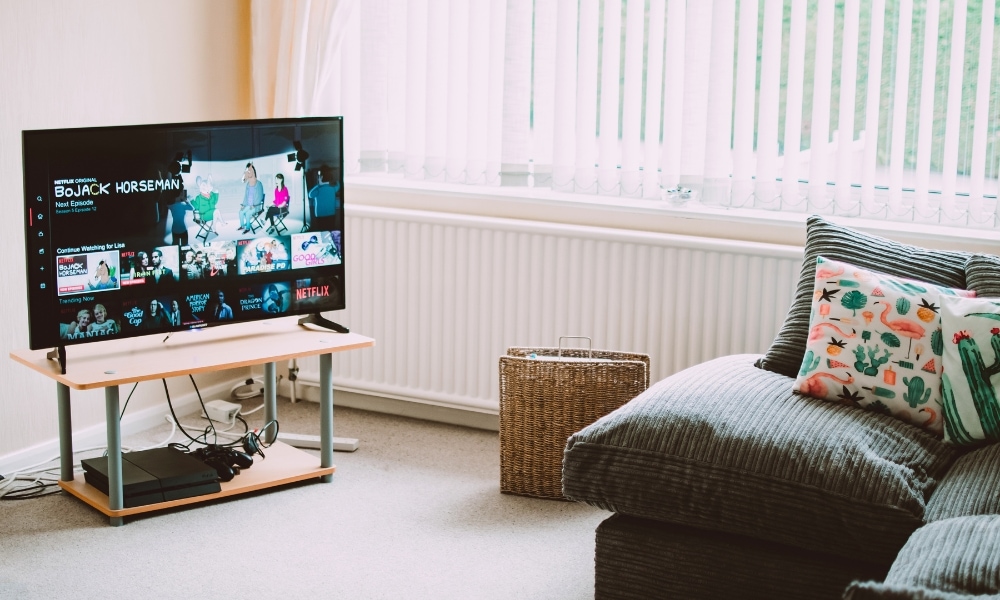
A smart TV is an internet-enabled digital television with a computer-integrated system that you can connect to various streaming platforms.
In its sense, a smart telly is an electronic device specialized for entertainment.
Today, smart TVs can cater to most entertainment applications you can find in app stores and also present on smart mobiles.
Where to use a smart TV?
- Home Entertainment
- Gaming
- Watching satellite and cable TV shows
- Smart home control
- Learn from online classes
- Exercise and workouts
- Weather and News updates
- Virtual events and live streaming

What is a Smart Phone?
A smartphone is a handheld computer, as a cellular phone with an operating system allowing you to connect to the internet and launch many software applications.
The small-but-terrible electronic device can store various applications and information that provide a range of services from communication to entertainment to lifestyle to transportation and more.
A smartphone is a tool and a gateway to different types of conveniences.

Where to use a smartphone?
- Communication
- Entertainment
- Smart home integrations
- Bills payment and making transactions
- Shopping
- Book transportations
- Traveling and navigations
- Photography
- Online games
- Online conferences
- Virtual events and live streaming
- Manage lifestyle
- Exercise and workouts
We may have missed smartphone functions here. But technically, any applications that you can access on application stores can be installed and run on a smartphone.

Entertainment options
If there’s a competition between smartphones and smart TVs, that would be entertainment. Although smart cellphones are mainly used for communication, they are changing the way we consume entertainment.
Smart TVs
Smart TVs provide access to streaming platforms like Netflix, Youtube, Amazon Prime, and such.
Some streaming platforms offer member subscriptions for exclusive access to movies, live streams, and shows you cannot view on the Internet or satellite television.
One thing you can also do on this device is play games. Simply connect the game console and run the application for a more interactive gaming experience.
You can also watch movies and clips from stored external devices through media playbacks. Connect your smartphone and mirror cast the media you are playing on your phone for a bigger screen.

Smartphones
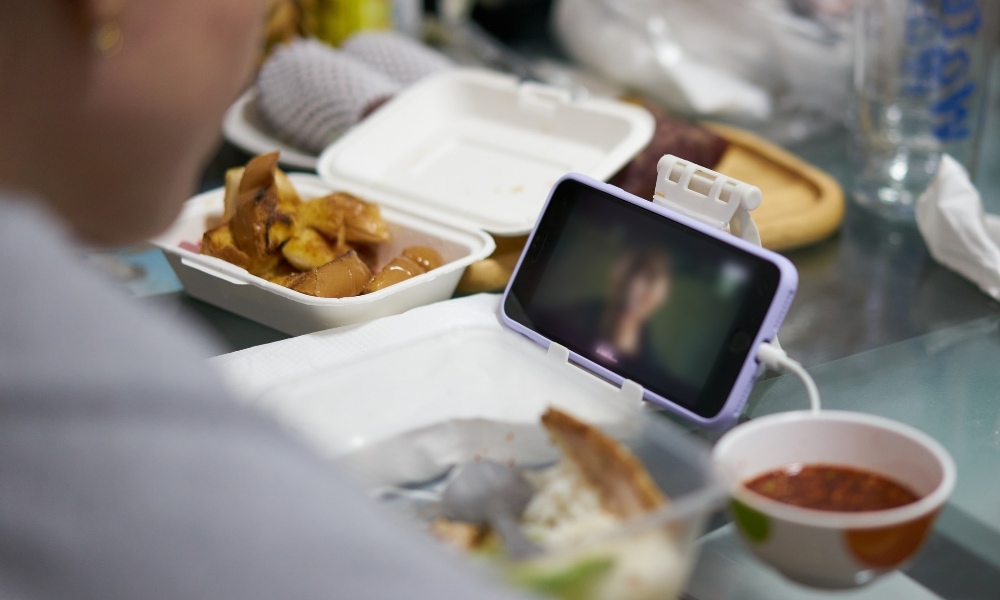
Smartphones act like smaller versions of smart TVs but with added capabilities.
You can watch movies, live streams, and TV shows or play online games like how you do on TV screens. However, the difference is in the screen size.
But what makes it more convenient than smart TVs is you can access more media content from social media platforms and messaging apps.
You can also enjoy other means of entertainment, like reading digital magazines, e-books, and newspapers.
Gaming options
When it comes to gaming, each device provides a different experience too, even if you are playing the same game.
Smart TV
Playing games on a smart TV is more immersive and social than doing it on a handheld device.
You can play with family and friends through a gaming console attached to the telly or built-in gaming apps.
Bigger monitors offer a more interactive experience. You can feel like you are part of the actual game. That’s not the same for smartphones.

Smartphones
Smartphones can access lots of online games, but your experience will be limited to a small screen and control.
You may share multi-player games but not on the same screen or device.
But one edge of playing games on this gadget is you can access it anywhere and anytime. Is that a pro or a con?

Electric consumption
Streaming devices today are fortunate to consume less energy than traditional devices.
For example. A smart TV with built-in apps uses less electricity than a traditional television connected to a TV box or a desktop computer.
Meanwhile, connecting more devices, like game consoles or speakers, use more electricity. On average, the device uses 0.265 kWh. On standby mode, the device consumes 0.05 kWh.
But since a smartphone is a smaller device, it uses less energy.
As the device is designed for remote use and battery operation, your 5-watt phone charger consumes 0.10 to 0.15 kWh. But when left on plugged in, it will still consume 0.10 to 0.5 kWh per hour.

Data consumption
When it comes to data consumption for streaming, the amount of data used for both devices depends on different factors:
- Resolution
- Bitrate
- Frame rate
- 3D
- 360 degree
- Fixed internet connection
More picture quality added means more data used.
However, video streaming can be more hurtful to mobile users when it comes to bandwidth, especially if you are using mobile data.
It’s true that the data consumption may be the same for both devices no matter the resolution.
However, mobile data usually have a data cap. If you are using mobile data, video streaming could eat up your data and limit your viewing experience.
For example, smart TVs and smartphones will consume over 500 MB of data per hour of viewing with a low 480p resolution. This figure will change if the quality is increased.
Streaming 4K UHD consumes up to 7.3 GB of data per hour on both devices. Again, this figure depends on the amount of quality applied while streaming.
If you are streaming on WiFi, the data consumption may not affect your streaming experience because it doesn’t have a data cap.
Hardware supported
Hardware support is the capability of the electronic device to work with other physical components.
For example, you can connect a smart TV through an ethernet port.
This television type has expansion ports where you can attach cables or other hardware like USB, HDMI cable, flash drive, external hard drives, Wifi, audio output, satellite and cable, speakers, microphone, TV mounts and stands, and more.
Meanwhile, smartphones support a fair share of hardware.
Aside from internal parts like the processor and ram, it can support internal storage, network connectivity, Bluetooth, HDMI cable, USB, audio connectors via headphone jacks, microphone, Smart TV, sim card, biometric sensors, and more.

Screen size
Smart TVs are obviously larger. They can go over a hundred inches of screen size and still fit in your room.
We have a separate guide for choosing the right size of TV screen for your space. You can even find wall-sized LED TVs for a more immersive experience.
But of course, a normal household will be good with a 65-inch TV screen and still find it big enough. If you think a bigger screen would be worth an upgrade, check this out.
While we might not need phones with larger screens, the handy monitor can be useful to some users.
The largest we’ve seen, as of writing, comes from Samsung Z Fold4, a foldable phone with 7.6 inches of screen size. On average, a six or 6.5-inch screen would do. Take note that even though the screen size is small, the resolution of the display can still be high.

Connectivity
When it comes to connectivity, both smart TVs and smartphones share a variety of connections to external devices.
Smart TVs can power your streaming through Hotspots, WiFi, and Ethernet. You can also connect to this television through Bluetooth.
If you’re using a smartphone, you can access the internet and power stream through mobile data (3G, 4G, and 5G), WiFi, and Hotspots.
You can also tether your phone to transfer media files to a PC. Also, a smartphone can connect with other devices through Bluetooth connectivity.

Integrations
Smart TVs and smartphones seamlessly integrate with different entertainment and home automation technologies.
Both come equipped with hands-free control through virtual assistants.
Smart televisions integrate smoothly as part of a home automation network. You can monitor and control other smart household and commercial devices, such as smart thermostats, automated lights, and security cameras.
Your smart TV not only becomes a hub for entertainment but for smart living as well.
Meanwhile, smart mobiles can be integrated into many systems not only for communication and entertainment.
You can bind it to your email and calendar to organize your schedule and activities.
Fuse your smartphone features into many applications and networks essential to your lifestyle, like fitness and health, finances, and more.
Use this device to control your smart-automated home remotely.
Check security cameras, smart locks, control thermostats, and security lights. Smartphones are more versatile when it comes to integrations with different networks.

Smart TVs vs. Smartphones: Which is Better?
The race to more advanced technology is not stopping in the future years.
The interconnected relationship between smart TVs and smartphones has revolutionized our way of living and entertainment in this digital age.
And to choose between the two is a matter of preference and lifestyle.
For a busy person who wants to stay connected and access media, a smartphone the most used device.
For someone who values the entertainment experience, whether alone or with family and friends, a smart TV will be the top-shelf choice.
But if you want to improve home living and value entertainment and connection, why use both in the best way? Include the best devices you find for your network of automated devices at home.