- Weak soundbar?
- 1. Adjust your soundbar’s volume settings.
- 2. See if your soundbar is free from distortion.
- 3. Switch connections
- 4. Adjust your TV settings.
- 5. Reset your soundbar.
- 6. Calibrate your soundbar.
- 7. Add a subwoofer and rear speakers.
- 8. Upgrade your soundbar.
- Loudness is essential but must not compromise quality.

Last Updated on December 3, 2025 by Johann Holsinger
Weak soundbar?
It’s frustrating to realize that your soundbar seems to be underpowered, size doesn’t equal volume!
When you get used to the wired multi-speaker sound systems and suddenly switch to the soundbar, we cannot help but compare the power of having more speakers.
While modern soundbars have improved significantly, there are times when they seem to need more power.
However, it’s not the end for your soundbar. Many ways can help you unleash its potential, and you may just need to carry out a few steps to make your soundbar louder.

1. Adjust your soundbar’s volume settings.
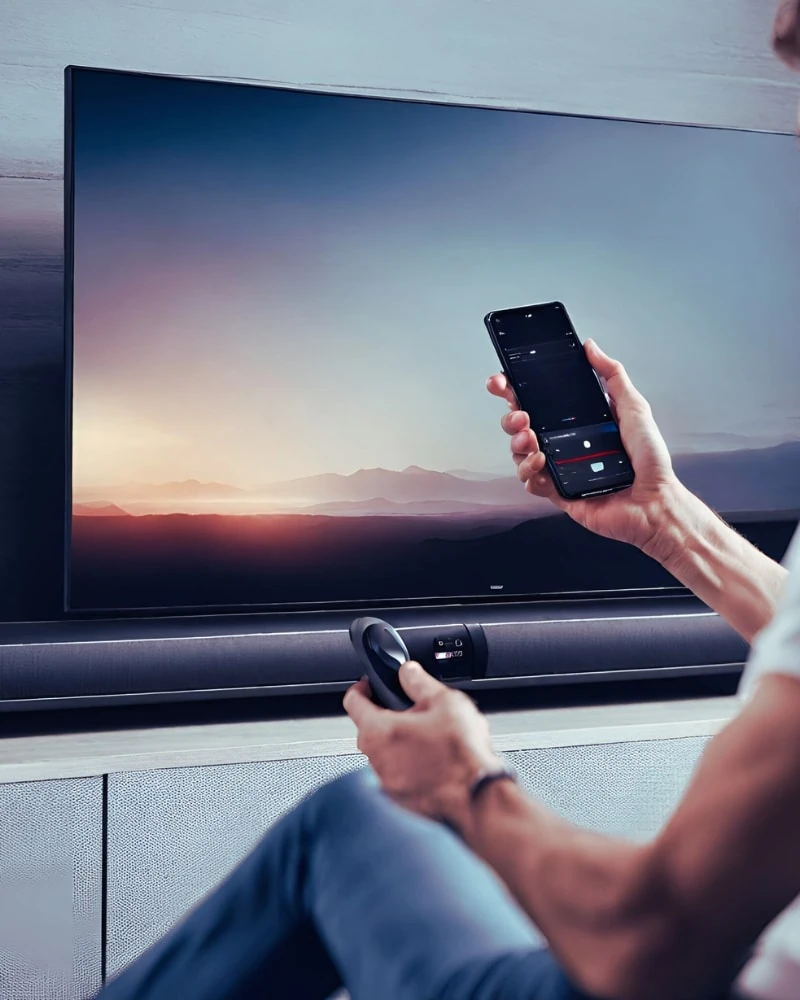
Before you start thinking about troubleshooting, you can check the volume settings directly on your soundbar.
Have you set the external volume yet?
That’s the button from your soundbar interface. If you haven’t maxed it out, then do so.
Now, play your movie or music again. Your volume should be louder by now.
If not, then you can start exploring your soundbar’s internal volume.
Find the buttons for internal volume from your audio bar menu and adjust to your desired loudness level.
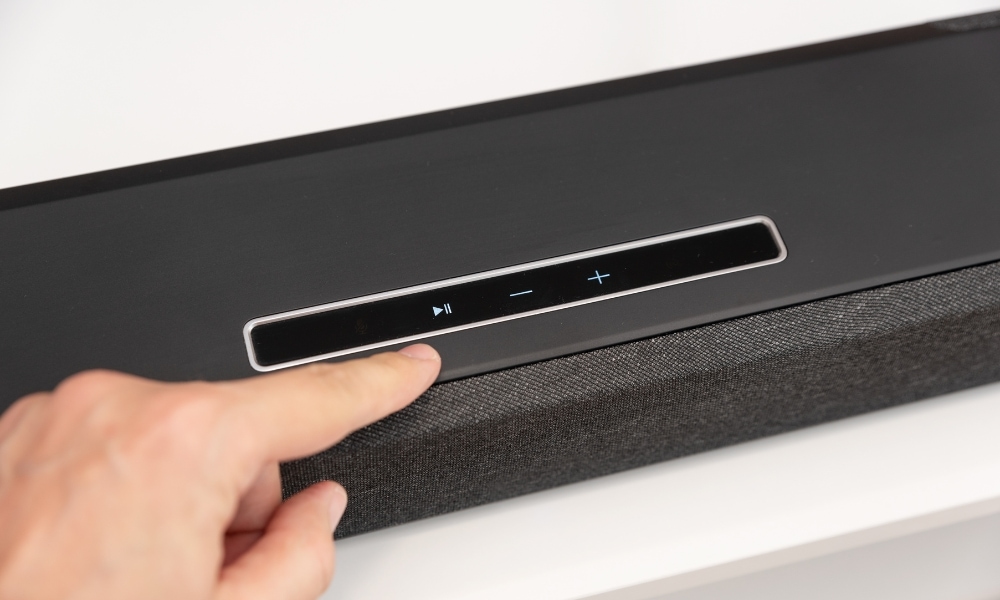
Aside from your volume settings, you can also explore your other settings in your soundbar:
- EQ settings– The EQ settings heighten the treble or boost the bass. Perhaps, you only need to tweak or cut some frequencies to make your speaker bar louder.
- Audio modes– If you are not used to manually adjusting the EQ settings, it may mess up your current settings. You can try the preset audio modes specifically set to enhance movies, games, music, or dialogue. If you prefer louder speaker voices, set the audio mode to Dialogue. If you prefer a more impactful movie experience, you can set the audio mode to Movie.
- Subwoofer level– Your soundbar app should show the menu for the subwoofer level. You can adjust its level through the remote, menu, or the mobile app. In some cases, despite the audio bar having many channels, the device can only deliver contained soundbar output, needing the boost of a subwoofer.
- Virtual surround sound– If you’re aware of this feature of your soundbar, you can check if you have activated its virtual surround sound feature. We’ve seen them in some movies, shows, streamers, or apps. I have clients who had their Netflix or Hulu shows delivering quieter sound than other applications. In these cases, they have not activated Dolby or DTS, resulting in low audio sound.
2. See if your soundbar is free from distortion.
If you’ve been reading my previous articles, I always say that your soundbar must be free from any interference or blockage.
Being in a contained space will restrict its full potential.
Blockages reduce the volume and clarity of the sounds.
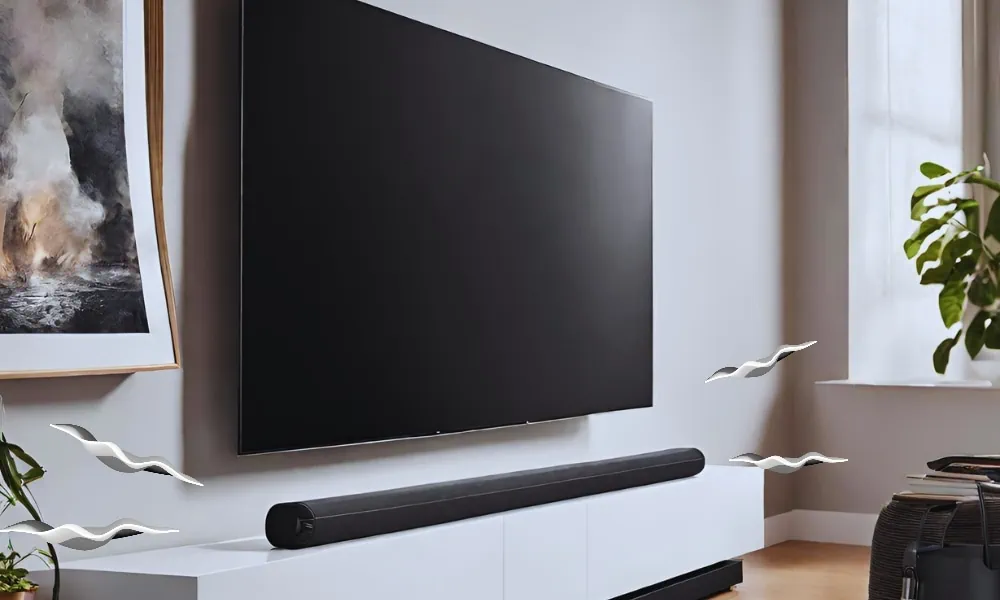
You can try different soundbar placements at enough distance from the TV, but you must ensure that nothing impedes the sound waves.
Also, some audio equipment becomes distorted by maxing out their volume levels.
If you hear buzzing or crackling sounds at different volume levels, there must be an issue with the soundbar or the audio source.
3. Switch connections
If your current connection is having a hard time processing your audio data, you can switch to another connection.
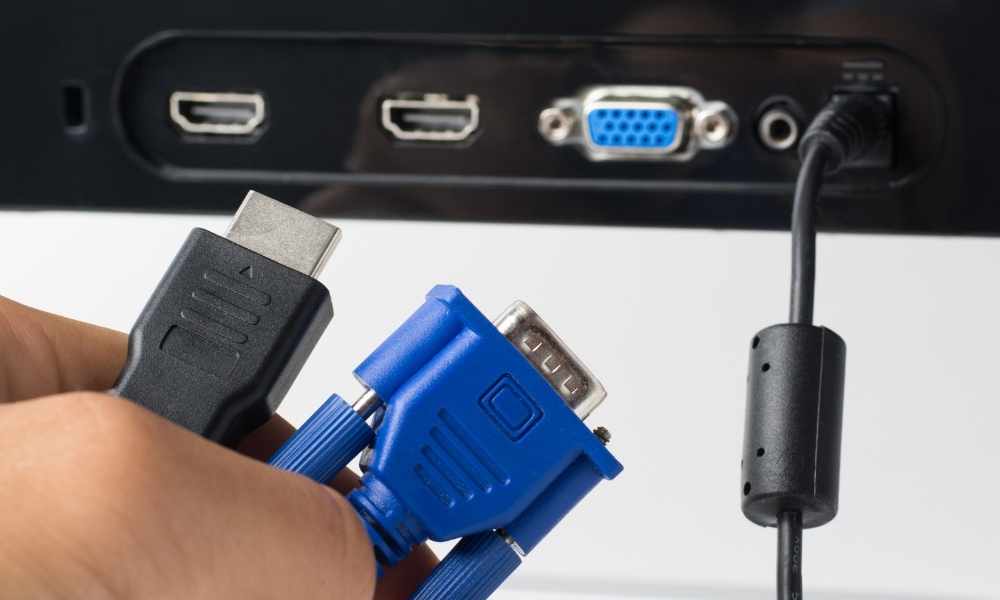
Wireless connectivity can be unstable, you can switch to an HDMI cable.
HDMI cable is a much more stable connection compared to a wireless connection.
My audio jack won’t be as good as HDMI, so I keep a spare one. Just in case, here are your options when you do not have an HDMI cable.
4. Adjust your TV settings.
Your TV audio settings can highly affect the audio of your soundbar. Since your TV is the signal source, you need to optimize its settings, so it delivers an audio signal that your device can recognize, allowing for a louder audio output.
First, go to the menu and set it to the audio format your soundbar can process. Here are the audio formats:
- Bitstream
- PCM
- DTS
- Dolby Digital
- Stereo
Next, disable your TV’s volume. Even if your TV offers volume normalization or leveling features, it may restrict the volume output of your soundbar.
After that, you can explore your TV’s sound mode. Your TV, like your soundbar, has Standard, Movie, or Music sound modes that you can explore.
Find which mode works well with your soundbar that can maximize the volume output.
Also, check if your TV and soundbar are in sync. Your TV and soundbar must not have delays.
By looking into these settings, you can ensure your TV sends optimized audio signals to your soundbar.

5. Reset your soundbar.
Sometimes, your soundbar needs to refresh and unlock its potential by setting it back to its original working state. A hard reset could fix many issues in a soundbar.
You can do this by pressing the power button for five to ten seconds until it signifies a successful reset. It should turn on again and be ready to use. You will notice significant improvement after a hard reset.
Some soundbars reset through the play or pause button. Like my previous instruction, press the play/pause button for up to ten seconds until it restores power.
If that doesn’t work, try it on the volume up and down buttons. You need to press these buttons simultaneously until the soundbar restarts.

6. Calibrate your soundbar.
Modern soundbars today feature automatic calibration.
Automatic calibration allows the soundbar to analyze the acoustics of its environment and adjust its setting according to the room’s shape and acoustics for optimal and louder sound.
It will adjust the equalizer settings, speaker levels, and phase alignment to fix acoustic deficiencies.
7. Add a subwoofer and rear speakers.
We cannot deny that soundbar speakers are arranged horizontally, limiting their audio prowess.
Some soundbars place all their drivers in a single enclosure. Although it’s an amazing move, there’s nothing like having external subwoofers and rear speakers.
Subwoofers enhance bass output and make a huge difference in making the sound more impactful.
Meanwhile, rear speakers enhance your soundbar’s surround sound production by dispersing sound from behind.
In most cases, subwoofers are placed on the floor near the soundbar, while rear speakers are positioned behind the listener to enhance spatial imaging.
Thankfully, modern soundbars today may include external subwoofers and rear speakers. Some of them are detachable from the actual soundbar, giving you the option to place the rear speakers near your viewing position.
8. Upgrade your soundbar.
If all your efforts to amplify the sound of your soundbars still do not meet your expectations, perhaps, it is time to upgrade your soundbar.
Getting a high-quality soundbar can solve your volume level worries.
Here’s what you must remember when upgrading to a louder soundbar:
- More channels and speakers produce higher volume levels and quality and powerful audio output.
- Soundbars that support advanced audio processing like DTS: X and Dolby Atmos enhance spatial audio presence and heighten volume and audio realism levels.
- Soundbars with wireless subwoofers and surround sound speakers will have more advantages over stand-alone speakers because they enhance low-frequency performance and expand the soundstage.
- Soundbars with modern connections like HDMI, HDMI eARC, Bluetooth, and Wi-Fi deliver clear, crisp, and quality audio.

Loudness is essential but must not compromise quality.
High volume levels can be noisy and cause distorted sounds not friendly to the ears. And it is not the loudness type we all aim for. You need a volume level that can enhance your listening and viewing experience.
By following our tips to make your soundbar louder, you can maximize the features of your soundbar and hear its full potential.
Although we can’t compare soundbars to the quality of multi-channeled surround sound speakers, you can still aim for high-quality and loud audio while keeping the minimal audio setup you prefer.
And yes! You should not settle for less. If you feel like you need to upgrade, check out our hand-picked selections of modern, feature-rich soundbars.