
Last Updated on April 19, 2026 by Johann Holsinger
Need to set up a meeting room?
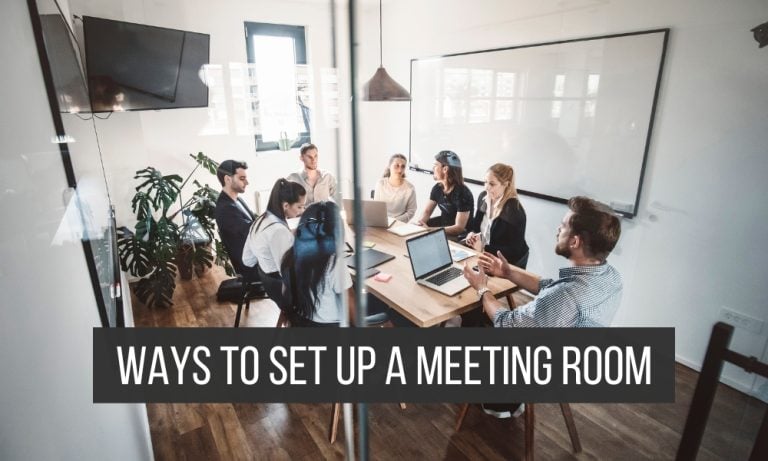
Nothing beats a cozy meeting room with a modern setup to impress your future employees and clients.
Whether you’re interviewing a new undercover boss babe or a gentleman ready to push the limits of your business, don’t bore future talent with only pen and paper!
Whether you need to execute a simple room for a large organization or a conference room for strategic planning, you need to set the room up professionally for a successful meeting.
While a standard conference room usually looks no more than plain tables & chairs, the overall setup sets the mood for any event hosted.
If you’re assigned to set up a meeting room, do not worry. We’ll help you gather everything you need to set up a good ambiance in any assembly room.
Agenda: the purpose of the meeting
Every meeting is driven by a purpose. The objective serves as a guide to everything you will prepare, execute, and accomplish in every meeting.
To determine your agenda, you must set clear goals to achieve at the end of every meeting.
Write a checklist of the following.
- Meeting objectives
- Number of attendees
- Meeting Schedule
- Program & activities included
- Meeting moderator
- Venue
- Logistics
- Materials and equipment
- Meeting venue
Room Layout
When planning a room layout, you’ll have to consider the number of attendees, the activities included, and the position of your audio-visual presentation.
The usual room layout for meetings is either the boardroom style, the U-shape style, or the classroom style.
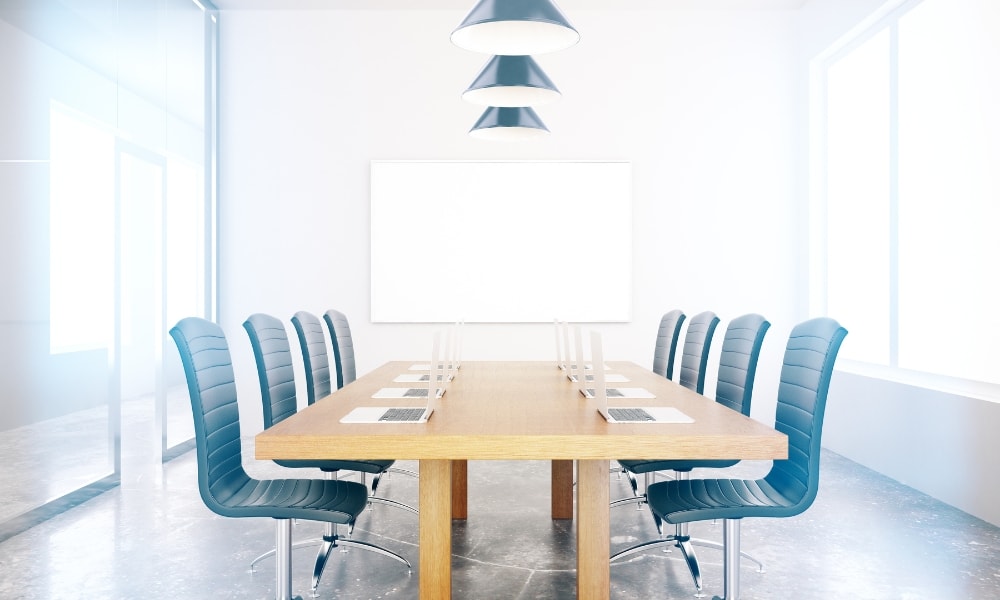
For in-person meetings and discussions, a boardroom style is more appropriate.
In this setup, all seats gather around a center table so everyone can focus on the person speaking. This setup is also advisable for meetings with remote participants.
For meetings with key remote participants driving the event and where visual representations are crucial, try the U-shape layout.
This layout consists of a U-shaped table with a central space where all the participants gather around the table.
This setup provides a greater focus on visual representations, discussions, and the facilitator of the meeting. The layout provides a great focal point in different seating positions, and the layout serves more attendees.

Visual Representation
Visual representation is the best way to communicate ideas, concepts, and data to attendees.
Visual representation plays a huge role in the success of every meeting and helps the audience engage.
Persuading an audience or client becomes easier when they can see graphical representations.
For crucial proposals, visual representations leave impressions and close deals.
Identify the most appropriate graphical presentations and prepare accordingly. Equip your team with tools or software that create professional visual and informative presentations.

For this reason, equip your meeting room with professional tools and display equipment to conduct your meetings. You can also use an interactive monitor display if you have a larger audience.
Determine if you will use a smart projector or a TV monitor. Most monitors today are flexible.
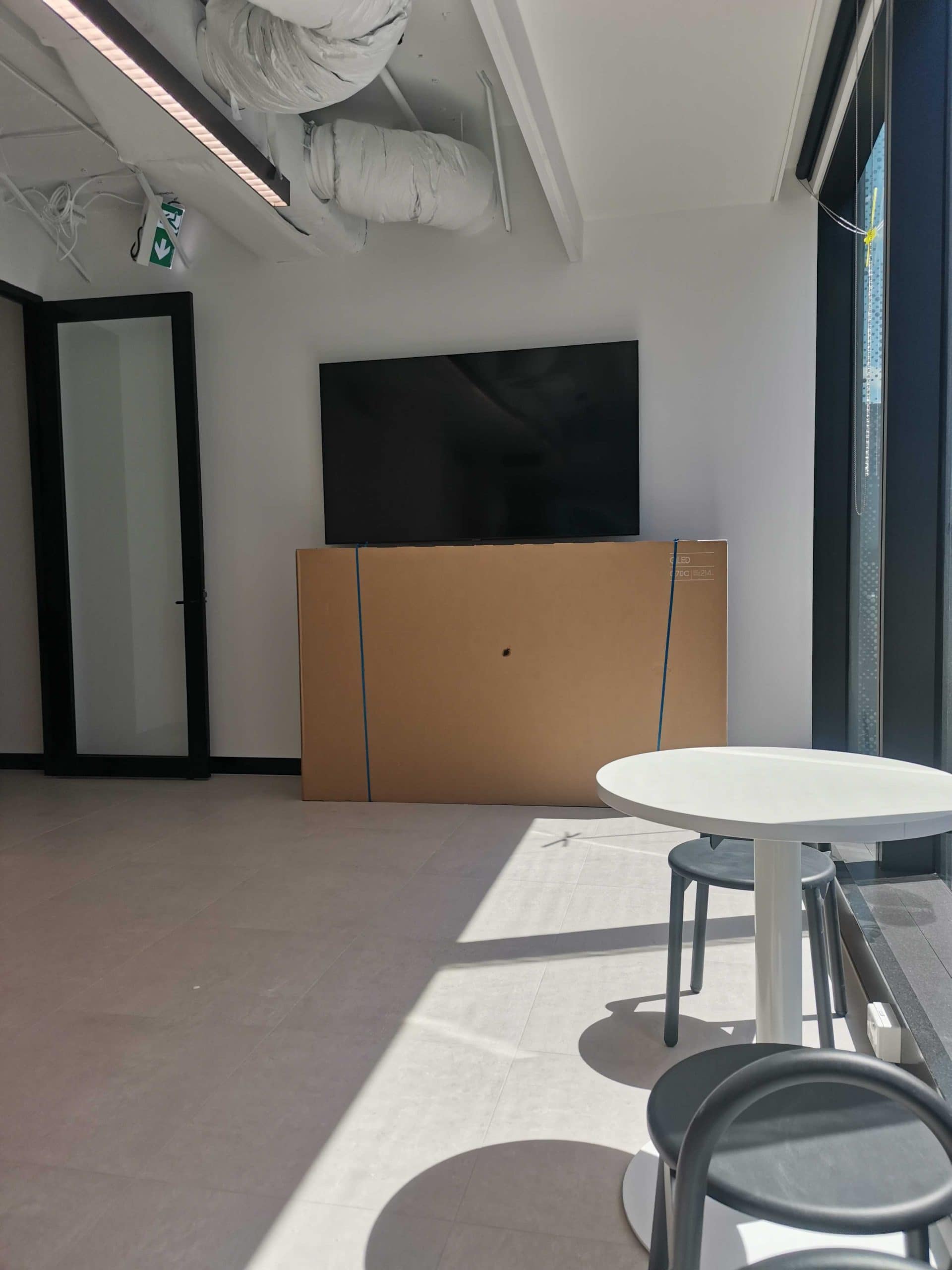
You can use them for entertainment and business presentations. Use a widescreen monitor and mount it on the wall to look professional and minimal in design.
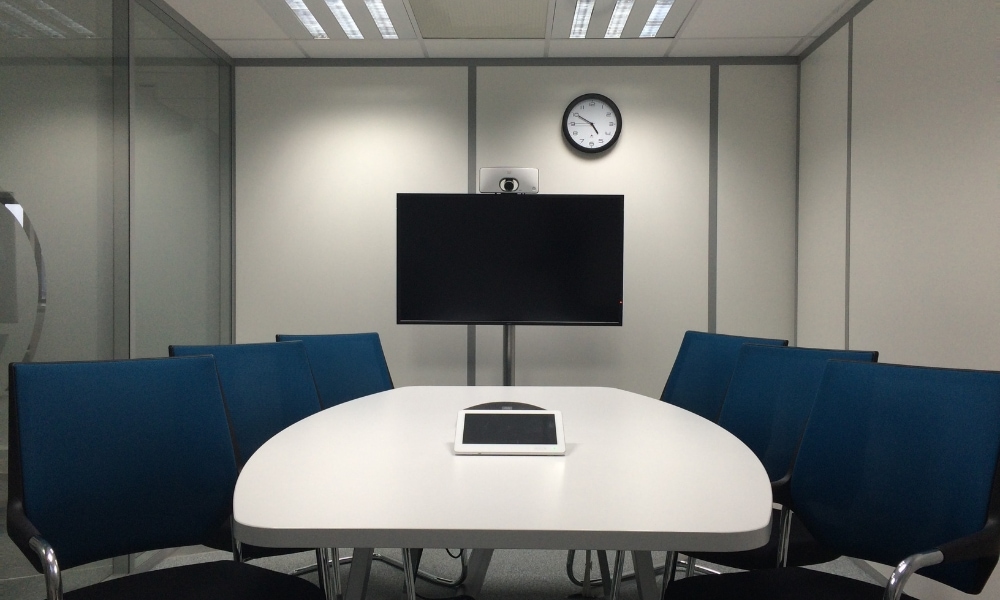
For conferences, we highly recommend mobile TV monitor stands.
Portable rolling TV stands can have shelves for computer devices like laptops and media players.
Additionally, you can find mobile TV stands with camera shelves on top for a 120° view for remote participants or documentation.
Here are your choices if you opt for fixed TV stands in your meeting room.
Lights, Audio, & Ventilation
Your prepared visual representation is useless if the ambiance in your meeting room is uncomfortable.
Provide adequate lighting and ventilation in your conference room. Also, make sure your speakers are audible enough and not overpowering.
When selecting lights, audio, and ventilation for a meeting room, consider the following:
- Room size
- Number of attendees
- Meeting activities
When picking the right audio system, here are your choices:
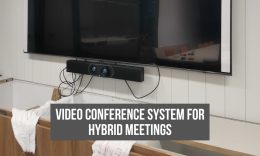
- Soundbar – A soundbar is good enough for a smaller meeting room with few attendees. It provides crisp, balanced sound inside an enclosed space (Don’t rely on any internal TV speakers).
- Ceiling speakers – Ceiling speakers are great for larger venues. Top-down audio equipment provides more distributed sound coming from different spots from the ceiling.
- Sound system – A dedicated sound system works for even larger gatherings. If you’re hosting a meeting with a much larger audience where audio could be harder to reach from the back of the room.
- Microphone – The commonly used microphones are tabletop and wireless lapel microphones. Tabletop microphones are needed if participants or audiences have distinctive roles in the discussions. Wireless lapel mics play a significant role in mobility for facilitators or hosts. Although you can use a handheld mic, it is pretty distracting to hold it frequently, preventing your hands to move freely when explaining yourself.

When picking a ventilation system, consider the following:
- The number of attendees
- The room size
- Air quality
- Noise level of the ventilation equipment
Ventilation is important to ensure clean air in a conference room so the attendees can focus on things that matter by being comfortable in their seating positions.
Buy humidifiers or air purifiers to keep the air clean. Remember that the more attendees that show – the higher levels of carbon inside the room.
Also, pick ventilation equipment that has lower operating noise levels. So attendees maintain focus on the speaker and not be distracted by noisy fans.
Furniture
When selecting furniture for an assembly room, consider the attendees and their key roles in the event.
Set a theme depending on the type of meeting and activities included.
You can base the furniture on the room layout you’ve decided on. Provide enough space between attendees so they can move around.

Here is the possible furniture you need to set up a meeting room:
- A center table
- Chairs
- Presentation Board
- A movable TV stand or an articulating TV mount.
- A desk or podium
- Storage cabinets
- Power outlets
- Refreshment storages
- A water cooler and hot water facilities
Choose ergonomic furniture for every meeting room. This selection will help attendees become more comfortable, especially for meetings with longer hours.
Another option is to secure your monitors on the wall with movable arms.
These mounts are adjustable to the height wanted and can tilt and swivel to help provide the most ergonomic viewing angle and to help avoid discomfort.

What color in the office?
According to my own travels around the globe, attending a variety of meetups and digital masterminds, color is more important than technology or design for an office.
Colors affect our emotions and our state of mind. We could be stressed out, or anxious, or feel creative and productive coming out, to an organized space just because of the colors that surround us.
Green is known for creating comfort and increasing productivity. While white and gray are not cool colors at all. It is important to make your workplace comfortable and safe for everyone so that everyone feels productive and can work as a cunning warrior.
Conclusion
You don’t have to overdo things when setting up a meeting room. You just have to make sure that your attendees can access the presentation board visibly and are comfortable with their position. Make sure your audio is crisp and clear to engage your audience.
Also, prepare refreshments for your attendees. For long-hour meetings, provide meals for participants. Consider room acoustics, especially if you will use the room permanently as a conference room.
Once you have completed your checklist, make sure you have a team to help you set up the meeting room. Good luck!