
Last Updated on April 19, 2026 by Johann Holsinger
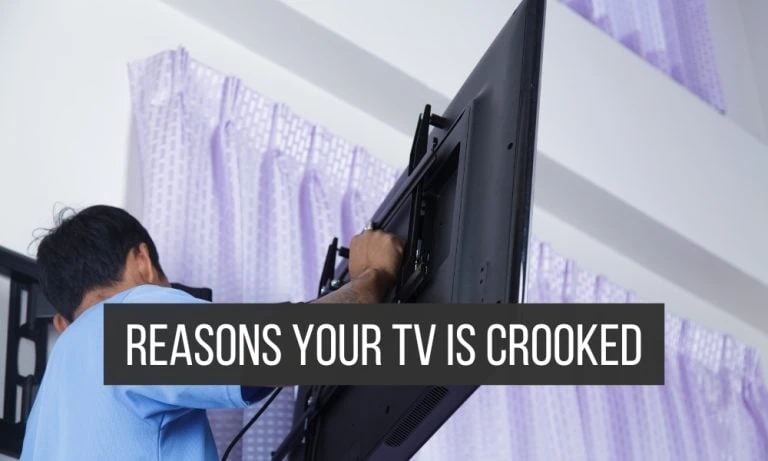
Is your TV crooked on the wall?
It is kind of devastating to find one side of your TV higher than the other.
After exhausting your efforts to mount a television on the wall, you may later find one side a bit farther or higher from the wall than the other one.
Your mind starts to race on to the thoughts of the consequences and possibilities of redoing the mounting again.
This is when new clients call us to mount their television for them. But we can show you how to fix this yourself here.
One thing every homeowner wants, especially for their TVs, is to have everything in their interior in the right place.
If you sit at the center of your sofa and find your monitor off-center. It would surely trigger anyone’s hidden perfectionist to remove and fix misalignment on your monitor.
Because the longer the time you look at your TV, the more it becomes an eyesore.
So what gives your mounted TV that crooked setup on the wall? Let us find out.

Reasons your mounted TV is crooked on the wall
1. Improper wall mount position
Improper wall mount position plays a huge part in the overall appearance of your wall-mounted TV. Your mount should be level from the surface and aligned during installation.
However, some DIYers skip or perform the step of leveling falsely. With inaccurate markings on the walls or not using a level to keep your template markings aligned, it would surely waste your efforts of bolting your television on the wall.
Most extendable and fixed television wall mounts include bubble levels in their kits. The only way to fix this problem is to loosen the bolts, adjust the position of your monitor, and make sure to use the bubble level to align it correctly.
2. Faulty TV mount
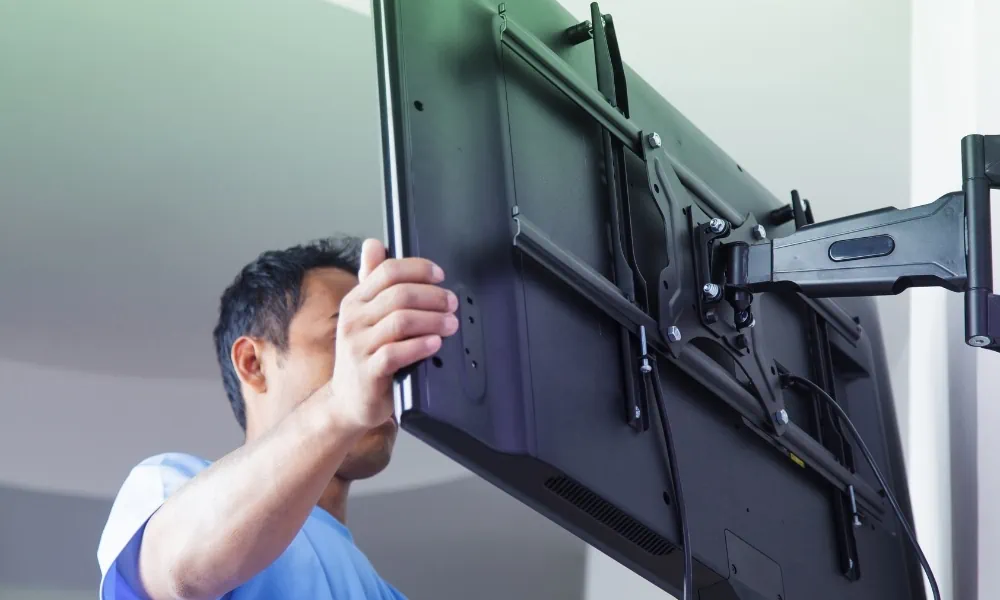
Sometimes the problem is in your bracket. There could be production quality issues, such as the weld in the mount you bought. Loose bolts can also end up crooking your monitor, especially if it has been installed for a long time.
Sometimes, those vertical hooks that attach to your TV are misaligned. If the problem is in the quality of your mount, you should not compromise your television safety. Replace your mount.
We could recommend every type of TV mount: from extendable TV mounts to fireplace to ceiling mounts.
.
3. Uneven wall surface
An uneven wall surface will not let the TV mounting plate sit properly. However, fixing this wall surface could be challenging.
You can fill the gaps with a joint, a spackle, or a caulking compound. Apply the material using a putty knife and sand it when dried. This method will smoothen the surface and help the mounting plate sit level on the wall.
If there are bumps on the wall, you can sand them down. Shims also help out even bowed walls. And if all else fails, you can utilize a mounting plate that can sit evenly on the wall and attach your TV mount.
4. Loose mount hardware
Your fixing hardware is a crucial component in securing your TV mount in place. When any of this hardware gets loose, your mount can sag, distribute weight to only one side, and cause the monitor to become crooked.
I would first check the hardware if I had seen my TV crooked on the wall. These components are responsible for keeping the entire assembly in place on the wall.
Of course, you can fix this problem by tightening the bolts and screws. Also, check the bolts and screw threading and see if they are still intact.

5. Improper installation
Sometimes, your TV is crooked because of that one process you missed or not done properly. One of the most significant steps is using a level. Although it is unlikely for DIYers to skip this process, their procedure may have been done improperly.
Next, you could have switched parts or improperly mounted the bracket. You could have missed an important step in the assembly.
One thing you could do if the television ended up crooked on the wall is to recall your mounting procedure and find out what is wrong in your process.

6. Sag after installation (Our secret to long arm TV mount installation)
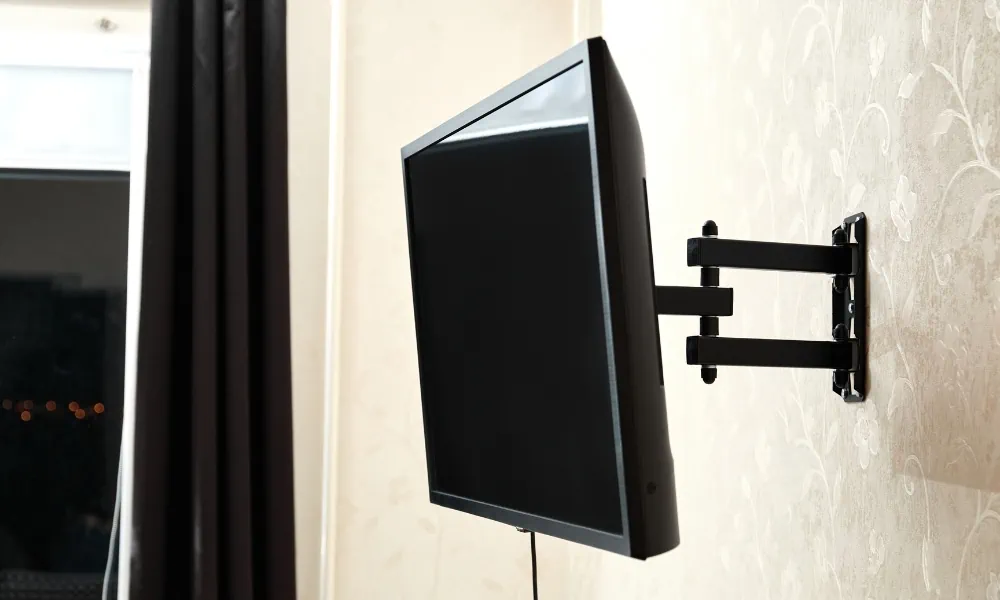
Many extendable TVs, especially cheaper units, may sag more or less on one side of the mounting bracket where the arm is attached. This is due to small amounts of movement on each pivoting point on the extension arm.
If this occurs to you because of a large or heavy television, you should counter-mount the wall plate on a slight lean opposite to the direction the TV will sag, before installing the long arm bracket.
You won’t see this as the mounting plate counter mounted for sag, as it will be hidden behind the monitor.
TV mounting sag can happen after a few days after mounting. Drywalls have a capacity limit. So always install a small amount out of level in the opposite direction if you expect the weight of the monitor to weigh one side of the bracket down more. A qualified builder will be able to guess this accurately.
What can I do to fix my crooked TV on the wall?
Adjust the TV.
Maybe you don’t have to remove the entire assembly on the wall. You can simply adjust the TV mount, by loosening the coach screws, tilting the bracket back, and re-tightening.
If there were loose parts on the adapter plate that holds the monitor, you can also just adjust it to the right position and tighten it up again.

Adust the TV mount.
Use a level and see which part is higher or lower, and check the difference between the TV and the mount if sag has occurred in the mount itself.
Loosen up the screws to the side that needs adjustment and reposition the mount to the amount that is needed.
After adjusting the mount to level, or on a counter tilt to allow for sag tighten the screws to secure it back firmly to the wall.
Check for loose hardware.
You can have your monitor level at first but still, appear crooked.
It happens when the TV mount is in place, but the screws are too loose. Find which screws need tightening and drive your screws in better.
Maybe Your TV is Level perfectly!
It is possible that you have leveled your TV perfectly, but it looks out because other parts of your room are out of level such as the floor, ceiling, shelves, or pictures. If this is the case, you need to decide whether to fix the other things that make your installation look bad.
Or maybe you need to adjust your television to be parallel with the ceiling or floor instead of being level.
This might be the case if your home is not perfectly level. It happens that some old houses may have a floor that sags on one side over the years because the foundation was not bearing down well on solid ground.

Remove the TV mount from the wall & reinstall it.
Your final fix for a crooked TV mount on the wall is removing the entire TV mount for reinstallation in brand-new screw holes. Here’s how you should do it.
- Turn off your television and remove all cables and connections from it. (If you haven’t managed these cables yet, check these in-wall cabling systems for a neater reinstallation. We have a dedicated guide for that.)
- After removing the connections, start unscrewing the bolts and screws of the TV mount.
- Remove the bracket.
- Start leveling your wall. You need a smooth wall and aligned mount to reinstall your bracket without crooking the TV up. This procedure is an important step, so you don’t have to redo everything again.
- Check your fixing hardware and start reinstalling your TV mount. Make sure not to miss a step on our TV wall mount installation guide.
- Reattach the monitor by screwing it on the plate and mounting it on the bracket.
- Make sure to recheck the mount to see if it is aligned straight and level.

Final Words
A misaligned television is especially distracting when all the things in your room are in the proper places. However, if the TV’s crookedness is brought by loose hardware, you are probably risking your television’s security.
It is not okay to let your TV hang crooked. If post-leveling adjustments make you uncomfortable, it is best to seek a professional home theater specialist like us to help or a qualified builder with TV mounting experience.