
Last Updated on April 21, 2026 by Johann Holsinger
Watching TV is so entertaining.
When we start a show, we don’t care about the things around us. We get carried away when our eyes become glued to the screen. The problem is we can watch for hours and hours, but don’t care how we sit or recline on the couch.
The most important thing for us is that we don’t miss any scenes from the show we are watching. But after finishing the show for some time, here’s where the problem comes. Stiff neck, eye strain, headache, back pain… We don’t feel them yet while watching. So the moment we stretch or stand up after a few hours, these types of pains hit our muscles and bones, affecting our posture and movement.
We don’t want to experience this when we are supposed to relax and enjoy a few movies after a tiring day.
You can solve this by setting up your TV area ergonomically.
What are the roles of ergonomics in setting up the TV area?
1. So you can have the best viewing experience
Ergonomics allows you to enjoy watching comfortably by placing your screen and seating in the right position. You can instantly feel this when you sit without straining your eyes or shifting your body.
2. To experience less neck and back strain
Long watch hours can be pretty straining. In an ergonomic TV set up, you won’t have to worry about neck strain or backache. You won’t have to watch with your head bent or slouch on the couch awkwardly.
3. To improve posture, even when watching for long hours
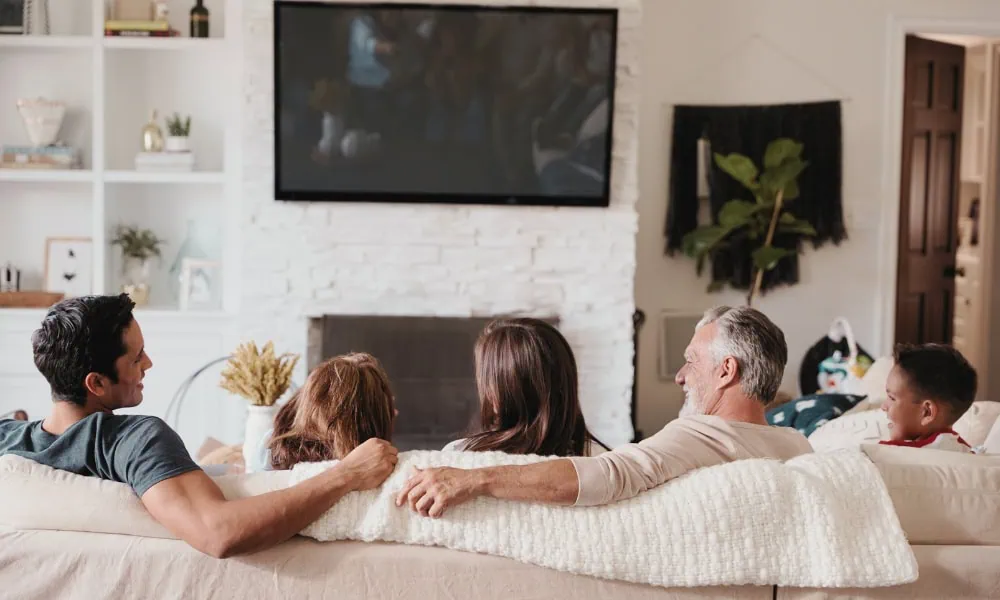
Want to sit upright without hunching or leaning while you watch? An ergonomic seating and TV setup will help you watch in utmost comfort!
4. To prevent glare and see more visibly
Those lights from the window, lighting, and the screen itself can be distracting when reflected in the wrong positions.
With ergonomics, glare from light sources and the screen becomes more bearable and friendly to the eyes, enhancing the viewing experience and comfort.
5. For the best listening experience
Ergonomics also considers the strategic placement of speakers, especially if you have a surround sound setup.
You want the audio coming at ear level for a comfortable and immersive audio experience in the right places.
6. To integrate with furniture better
Want a functional entertainment room layout? Ergonomics match TV height and seating, like recliners or couches, with furniture and access to accessories like remotes, consoles, and snacks.
7. To reduce fatigue from extended watching hours
Ergonomics helps you avoid feeling restless. The truth is, if you watch for extended hours, it can be pretty tiring for the eyes and body. Ergonomics will help you minimize them because you are seated comfortably with an ideal viewing height.

How can I make an Ergonomic TV setup?
Now that you know why ergonomics is crucial to a comfortable viewing experience and having a healthy body in the long term, it’s time to ensure you lay out your TV room ergonomically. There are many things to consider to make your entertainment room ergonomic.
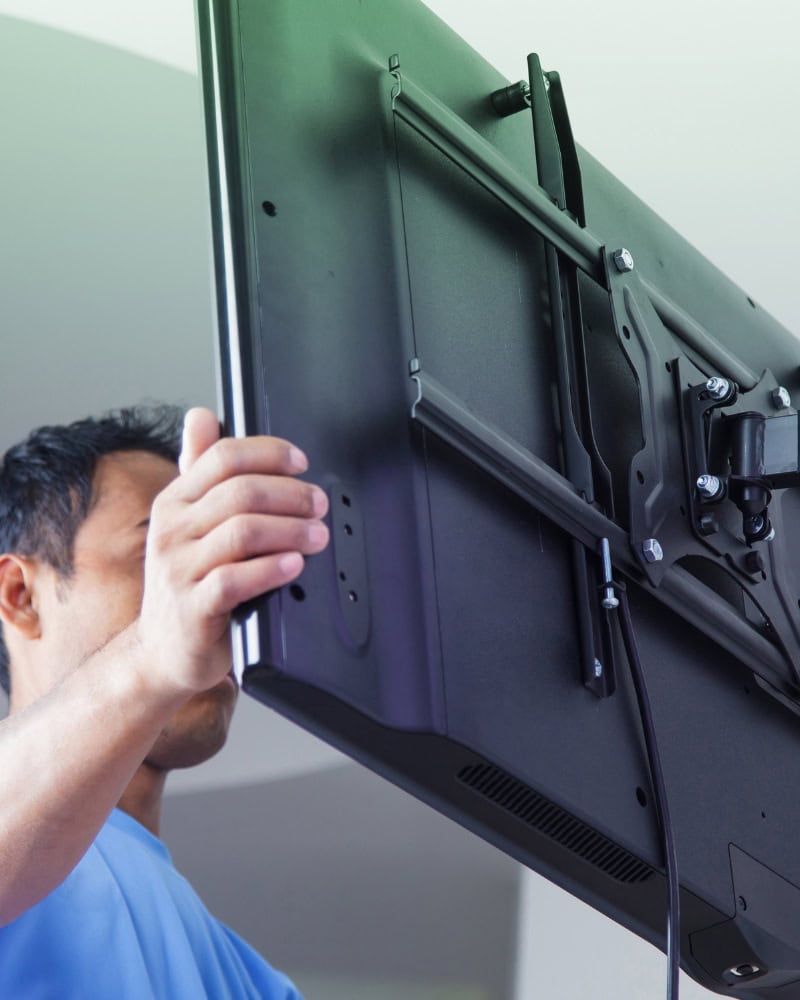
But before you start anything, while you haven’t installed your TV, ensure to go through these TV mounting options and buy a TV bracket. If you choose between a rolling or fixed TV stand, you may skip a few steps that involve mounting the TV on the wall.
1. Choose the right seating.
An ideal seating position is upright, with your eye level on the center of the screen, allowing your muscles to relax from your head to your feet without any pressure.
Your seating plays a huge role in aligning your body properly, especially if you binge-watch movies and sit for hours. You want to be seated with your foot flat on the floor. Your seating should provide enough lumbar support.
Some seats are too soft. When they sink too low, it could misalign your neck and head from the headrest. You can opt for a seat with enough cushioning, soft enough to provide comfort but also firm to provide needed lumbar support.
Also, you want your arms to rest comfortably and relax naturally without any tension from your shoulders to your hands. Some furniture prompts you to turn your head or body to the screen. Avoid them because they will become painful later on.
If you are using a reclining seat, ensure you position it so your eyes are level with the center of the screen.
Don’t forget that the placement of your seat must be within the ideal viewing distance. We’ll discuss them later.

2. Measure eye level.
Eye level is the horizontal level of eyesight, like an invisible line, between your eyes and the screen in a seated position. Ideally, in an ergonomic TV setup, the eye level should align with the center of the screen.
You want them to align properly because you must avoid tilting your head or moving your eyes up and down. Or else, this could result in neck and shoulder strain.
If the eye level is aligned with the center of the TV screen, you can avoid this stress and allow yourself to watch with uniform screen visibility.
To measure the ideal eye level for an ergonomic setup, you must sit upright and comfortably on your primary seat. Ask your friend or family member to measure the height of your eyes to the floor using a tape measure. Take note.
3. Measure TV height.
You need to install your TV with the center of the screen at the same height as your ideal eye level.
To get the center of the screen, you must first measure the visible vertical height from the top to the bottom of the screen. Take note, then divide by two. That will be the center of your screen.
This is where your TV height should go, from the center of the screen to the bottom of the floor. This TV height is usually around 40 to 42 inches from the floor to the center of the screen.
4. Set viewing distance.
An ergonomic viewing distance is the optimal distance between the screen and your eyes, where it is most comfortable to look at the screen. It’s optimal in the sense that it prevents eye strain or head movement.
To measure the viewing distance, you need the screen size and screen resolution. The formula for viewing distance is vertical screen size multiplied by 1 to 2.5 times, depending on the screen resolution.
For 4k resolution screens, multiply the vertical screen size by up to 1.5 times. For 1080p, you must multiply the vertical screen size by up to 2.5 times.
That is like, if you have a 1080p 55-inch TV, the solution is:
55 inches X 2.5 inches = 137.5 inches or 11.5 feet
That means you must sit 11.5 feet away from the screen if that’s your TV specification. From here, you can adjust the viewing distance to what feels less strenuous to the eyes.
Check out this table of detailed recommended viewing distances by screen size[1].
According to many ophthalmologists and optometrists, your ergonomic viewing distance can be anywhere friendly to the eyes.

5. Minimize glare.
Now that your seat is in an ideal viewing distance, you need to take measures to reduce glare. The screen must be perpendicular to the windows or any light source that can distract from viewing.
Or you can use curtains or blinds if you don’t want to change the screen position. Some TVs have a matte screen, or you can purchase anti-glare film for TVs to reduce glare.
6. Adjust your TV viewing position.
My advice is to get a TV bracket that you can move in different directions, like one that can tilt, rotate, extend, and fold. Most fixed and rolling TV stands can tilt up and down and be adjusted to different heights.
If you mount your TV to the wall, you can get a TV bracket with extendable and articulating arms. This way, you can adjust your TV screen to your most comfortable position. However, if you have no other choice but a fixed wall mounting, make sure the center of the screen is at eye level.
7. Optimize speaker placement.
For an ergonomic TV setup, you must also place your speakers intelligently, especially if you have a surround sound system.
If you have heard of the listening sweet spot, that’s the place where the sounds are at your ear level, where you can receive the optimal audio quality, sound imaging, and audio balance.
Usually, it’s in the center of your main seating. You have to direct your speakers to this spot, so if there are multiple speakers, they throw sound directly into your ears healthily.
If you have stereo speakers, you want to place them beside the TV. A soundbar should go in the center below the TV.
For 5.1 or 7.1 surround sound speakers, make sure the center, left, and right speakers are placed at your ear level and lined up with your TV.
A subwoofer can go in the corner or on the floor near your TV. Rear or side speakers must go behind your seating or above the ear level, and space them evenly for a better spread of sound.
Don’t block your speakers, behind the TV or on closed cabinets, so it won’t muffle the audio coming out of them. Also, curtains or rugs can improve sound reflection and acoustic clarity.
You want to ensure their placement allows for balanced sound imaging, crisp, clear voices, and you are still comfortable in your seat, so you don’t have to move or place your ears near the speakers to hear better.
8. Organize cables and accessories.
Cables and TV accessories can get truly messy, especially if you have multiple devices like gaming consoles, TV boxes, and more. You don’t want them to go dangling from your console table. They’re tripping hazards.
No worries!
You can hide them in the wall with these DIY cable organizers. You can also use clips, cable concealers, or zip ties to organize them. We have a guide for hiding them if you want them to be invisible on a brick fireplace.
You must organize the wires and accessories around your TV for a clean look, especially if you keep losing the remote control. A clean media area not only looks neat but also reduces distractions while watching and helps access the remote and accessories with ease.

Prioritize ergonomics!
Protect yourself.
Having an ergonomic TV setup is not only about designing your entertainment room aesthetically. It’s also about protecting your body from pain and stress because of an awkward position while watching.
From seating to glare control to viewing distance, there’s nothing like watching your favorite shows, games, or movies comfortably. Making efforts to place your devices and furniture in the right spots means you can watch for hours without a stiff neck, back pain, or eye strain. Ergonomics has a huge role in keeping you comfortable while you enjoy watching. So watch smarter and be kind to your body.
More information:
- Recommended TV viewing distance, https://www.sony.com.sg/electronics/support/articles/00008601